
Microsoft Word
Microsoft Word is Microsoft's word processor and part of Microsoft 365. This page explains who it suits and how to get it on Windows.
289.2 MB
Microsoft Office 2013 is an office suite for Windows released in 2013; support ended on 11 April 2023 and Microsoft recommends Microsoft 365.
Average 0.0 · ratings: 0
Thank you! Your rating is saved; you can change it. Could not save the rating. Please try again later. Too many ratings from your network today. Please try again tomorrow. The average appears after 5 ratings.
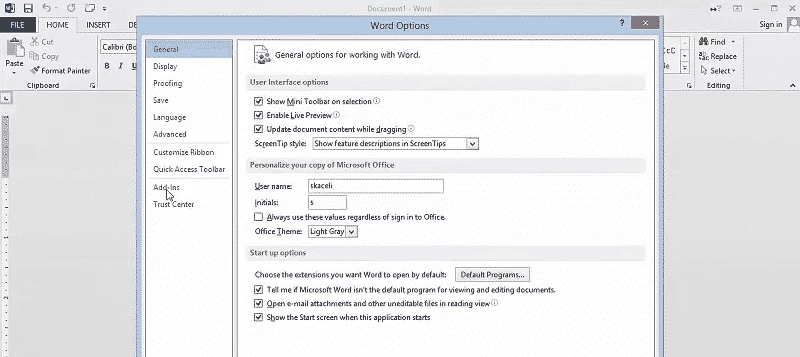
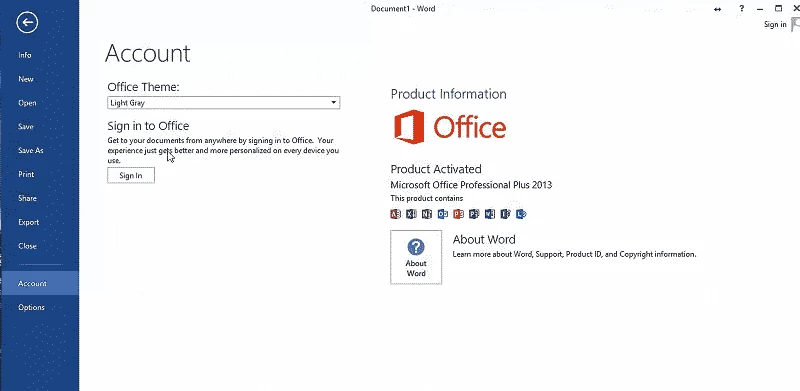
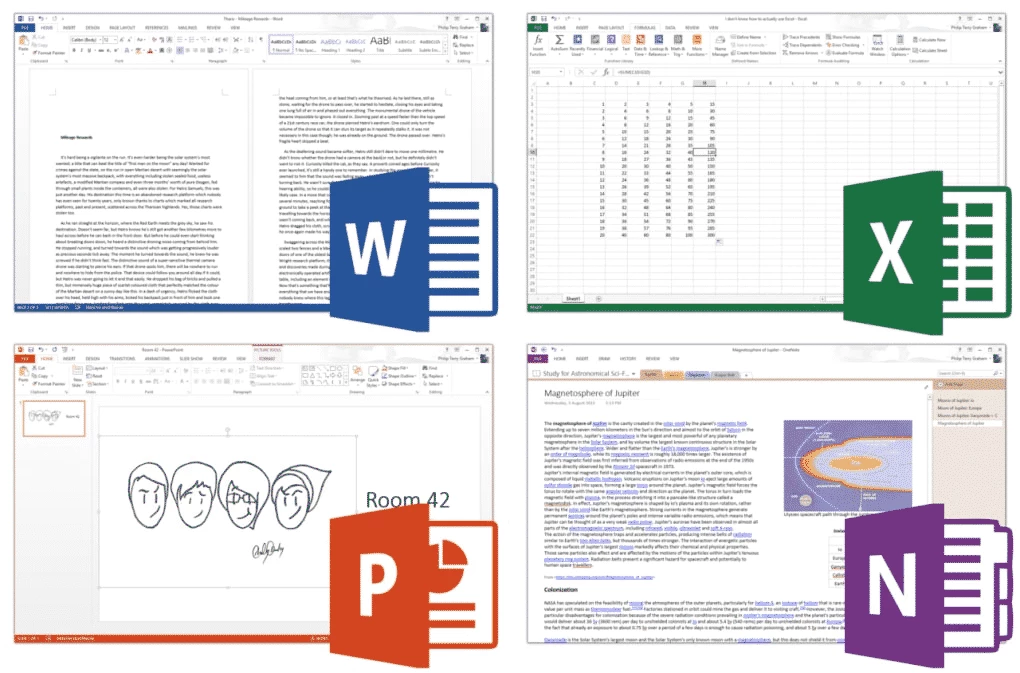
Microsoft Office 2013 is a version of Microsoft's office suite for Windows, released on 29 January 2013, with Service Pack 1 as its last major update. Microsoft ended support on 11 April 2023, so before you look for an Office 2013 download for Windows, check whether it still fits your situation.
Office 2013 makes sense in a narrow set of cases. If you bought a licence years ago, have the product key and use the PC mostly offline for your own documents, the suite still opens and edits Word, Excel and PowerPoint files in the modern formats. Some offices keep it on machines that run a single legacy add-in or macro that was never updated for newer versions. It also runs on older systems: Wikidata lists Windows 7, Windows 8, Windows RT and Windows 10, plus server editions. For everyone else, and especially for anyone who reads mail and opens attachments from outside, the suite is a poor choice today. Since support ended, security holes in Word, Excel and Outlook are no longer fixed, and old Office versions are a regular target of malicious documents. The last listed build, 15.0.5371.1000, came out on 10 August 2021, and no fixes will follow.
This version gave Office its flat, cleaner look and a stronger link to OneDrive, with documents saved to the cloud by default. Excel gained Flash Fill, which fills columns by recognising a pattern, and Quick Analysis for instant charts and formatting; Microsoft's What's new in Excel 2013 article lists more. Word added Read Mode and could edit PDF files after converting them.
Microsoft no longer sells Office 2013. The official Office 2013 page now points to current products. If your copy is linked to a Microsoft account, sign in to your account page and check the services and subscriptions section for the reinstall option. Do not use installers from unofficial sites: pirated Office packages are a common way to spread malware.
Office 2013 runs on Windows 7, 8 and 10. The package is about 774.04 MB according to catalogue data.
Office 2013 was sold as a one-time licence; the catalogue lists it as a demo. Its successor, Microsoft 365, is a subscription, while LibreOffice and WPS Office offer free alternatives.
The official successor is Microsoft 365 Office. Free suites on our site include LibreOffice and WPS Office, Google Sheets works in the browser, and Microsoft Word, Microsoft Excel and Microsoft PowerPoint are available separately.
Microsoft Word is Microsoft's word processor and part of Microsoft 365. This page explains who it suits and how to get it on Windows.

Microsoft Office 2010 is an office suite for Windows released in 2010; Microsoft ended its support on 13 October 2020 and recommends Microsoft 365.
Microsoft Office 2019 is a one-time purchase edition of Microsoft's office suite for Windows 10 and macOS, released in September 2018.

Adobe Reader XI (11) is an older version of Adobe's free PDF viewer for Windows; its support ended in October 2017 and Adobe Acrobat Reader is the successor.

Adobe Acrobat Reader is Adobe's free Windows application for opening, reading, printing and commenting on PDF documents.
iLovePDF Desktop is the Windows app of the iLovePDF service: merge, split, compress, convert and edit PDF files on your PC without uploading them.

Microsoft Excel is Microsoft's spreadsheet program for calculations, tables and data analysis. Build 16.0.19725.20152 is a current Windows release.

Microsoft Office 2007 is a Windows office suite released in 2007; its support ended on 10 October 2017, and Microsoft recommends Microsoft 365.